PayMaya: An E-Wallet That You Should Get Today
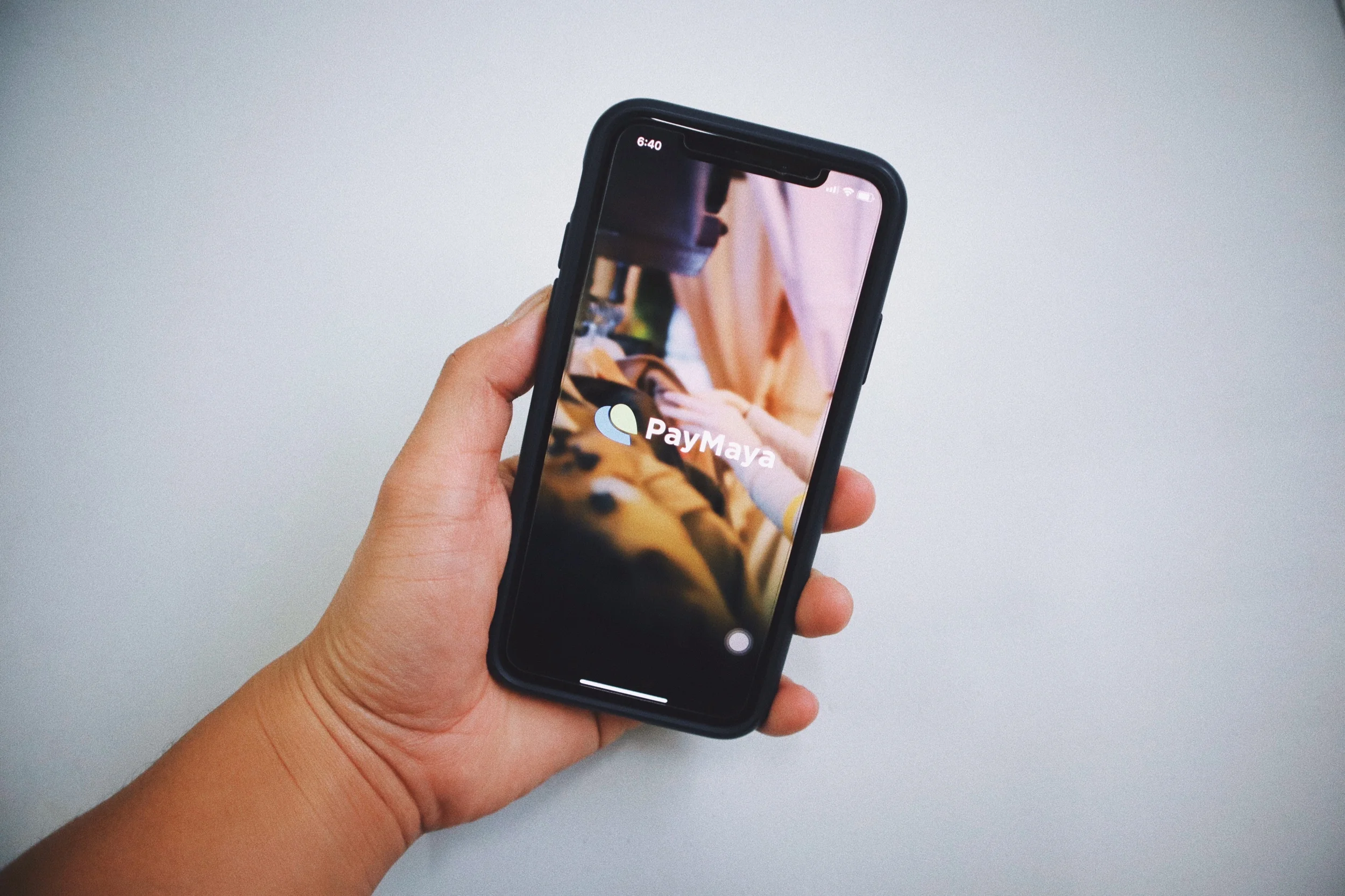
If you need a prepaid Visa or Mastercard without any Philippine bank account, PayMaya is the one for you. With PayMaya you can shop online, book flights, buy games and tickets, book hotels, stream music, pay bills, send remittances and more. It functions like a regular Visa or Mastercard. You can instantly get a virtual card for all your online buys by just downloading the app in both App Store and Playstore.
How to get paymaya?
Getting the PayMaya service is fast and free. You do not need to go to a certain bank to open an account as you can do it with your phone with internet access.
Download the Free PayMaya app in the App Store for iOS or Playstore for Android.
`Create a PayMaya Account by following the registering instructions. NOTE: You must have a valid and working Philippine cellphone number from any mobile carriers.
Add money to your PayMaya Account through various locations like 7/11, Cebuana, Palawan and etc.
You can now shop online through your virtual card or swipe using a physical card connected to your PayMaya Account.
benefits of upgrading your paymaya account
When you upgrade your PayMaya account, you can enjoy the following perks:
Send money to PayMaya users via your mobile app.
You can withdraw money from any BancNet ATMs here and abroad through the physical card.
Your monthly limit of 50K will be increased to 100K.
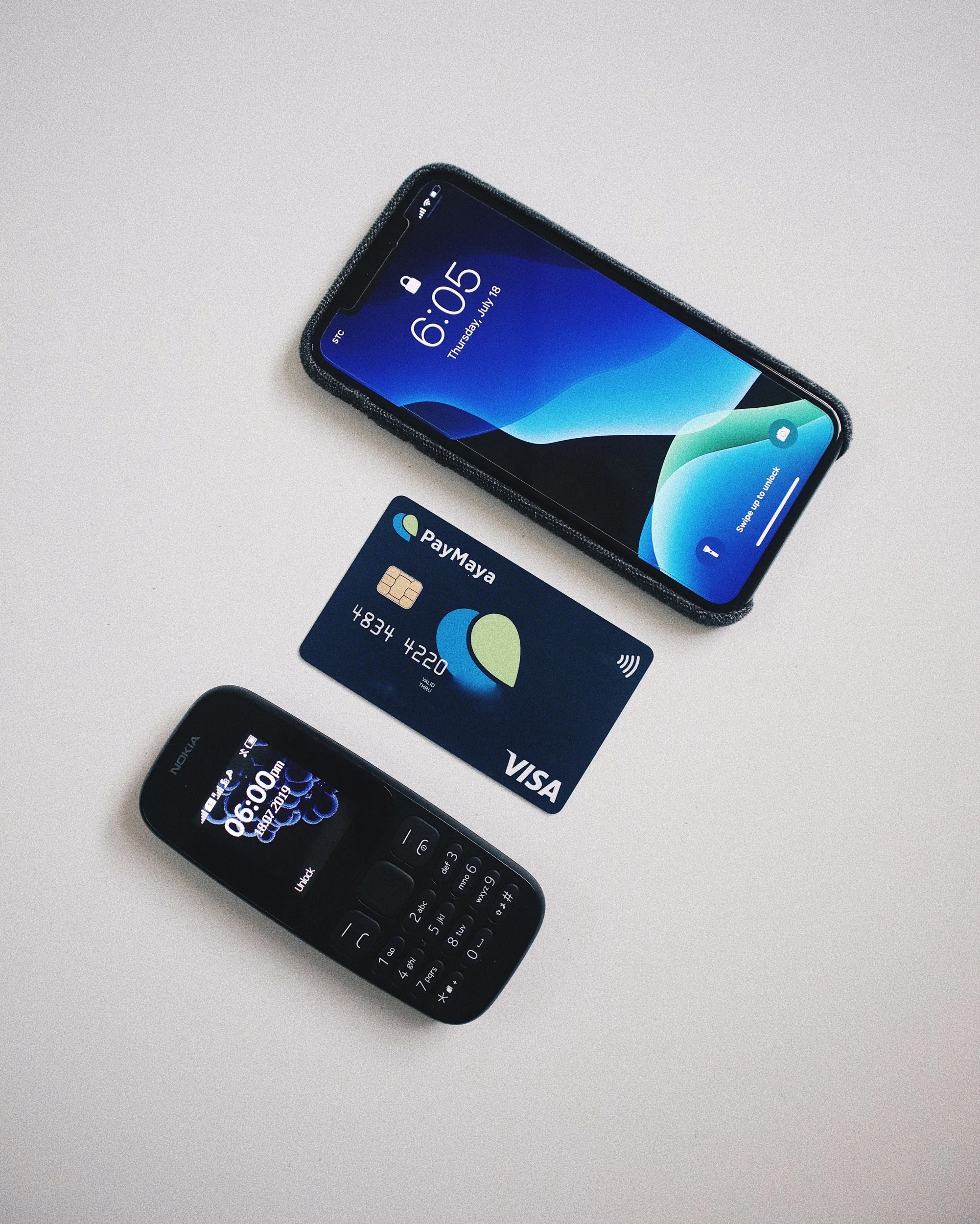
Steps in upgrading your paymaya Account
Upgrade your PayMaya account by clicking on “Upgrade Account” listed on the Menu for Android or More for iOS.
Accomplish the form and upload a valid ID/s, Liveness clip (a short selfie video in lieu to face-to-face verification with an Upgrade Officer) and other required documents then tap “Submit”.
Note the verification code given by the app and through SMS sent to your registered number.
Depending on the status of your upgrade you maybe required to do a face-to-face verification with an Upgrade Officer. To do this tap on “Start Video Call” and wait for an available Upgrade Officer. During the face to face validation prepare your verification code and valid IDs.
Once your request is approved by PayMaya, you can then enjoy all the features of your upgraded account.
For minors you can still apply for an account just head to PayMaya for further instructions.
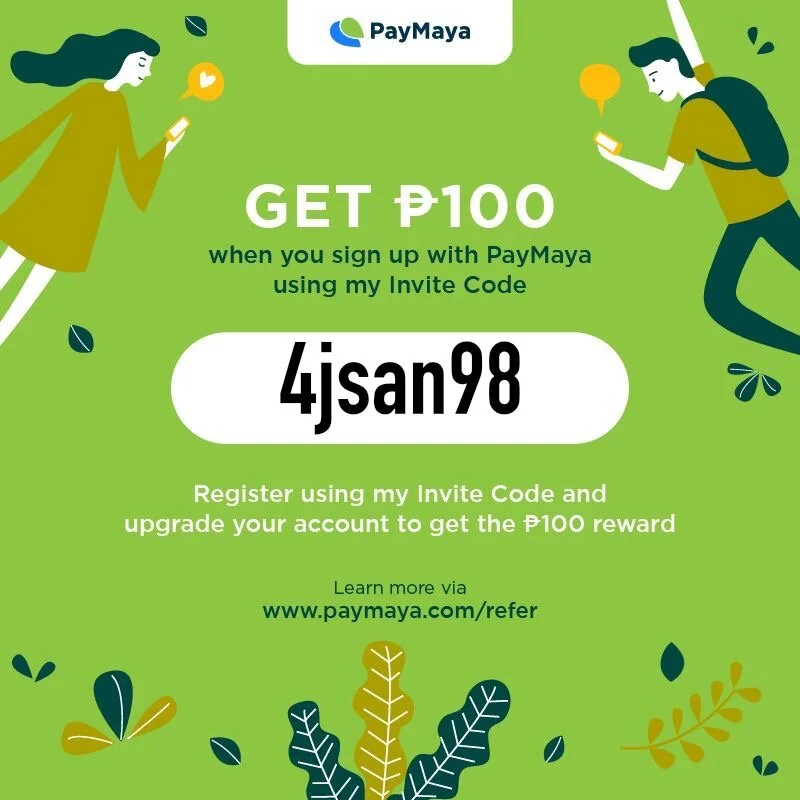
Copy this code:
4jsan89