My iPad Pro M1 Accessories in 2022

I've been using my iPad Pro 2021 M1 most of my time from the day I got it, whether for work or media consumption. I like the idea of this device being able to just replace a PC. Yes, in a way. Because it is lighter and more portable than my Macbook Pro 16 2019 baseline, I prefer to utilize it.
I've accumulated some iPad accessories over the last year. I believe that if I don't have access to a computer, I can survive on this device alone. I can read and respond to business emails, publish content for social media, edit a vlog, and generate documents with my Microsoft 365 membership. Furthermore, there is an app for practically anything, and I'll make a separate video about the apps I use on my iPad Pro.
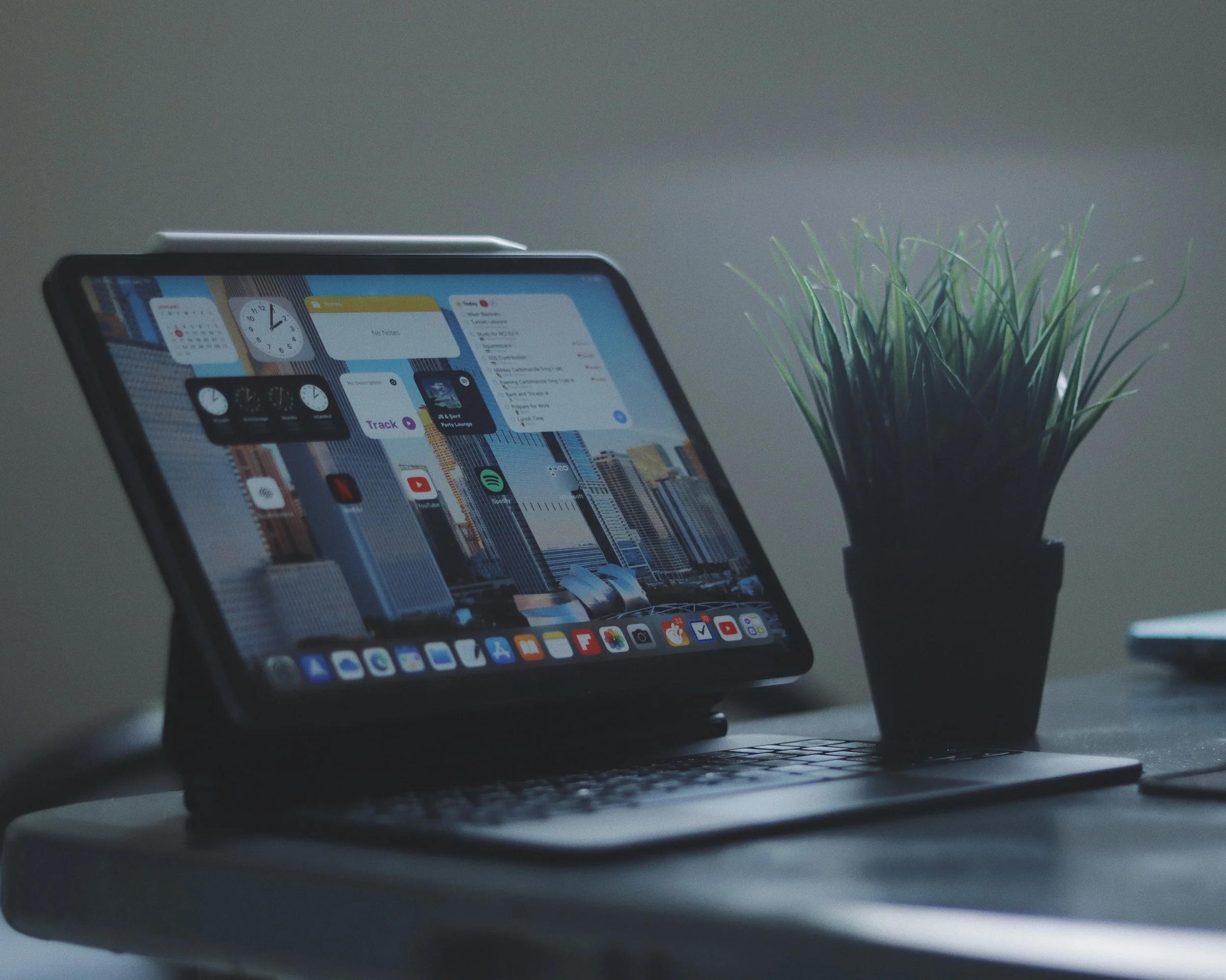
IPAD PRO M1 11-INCH 2021
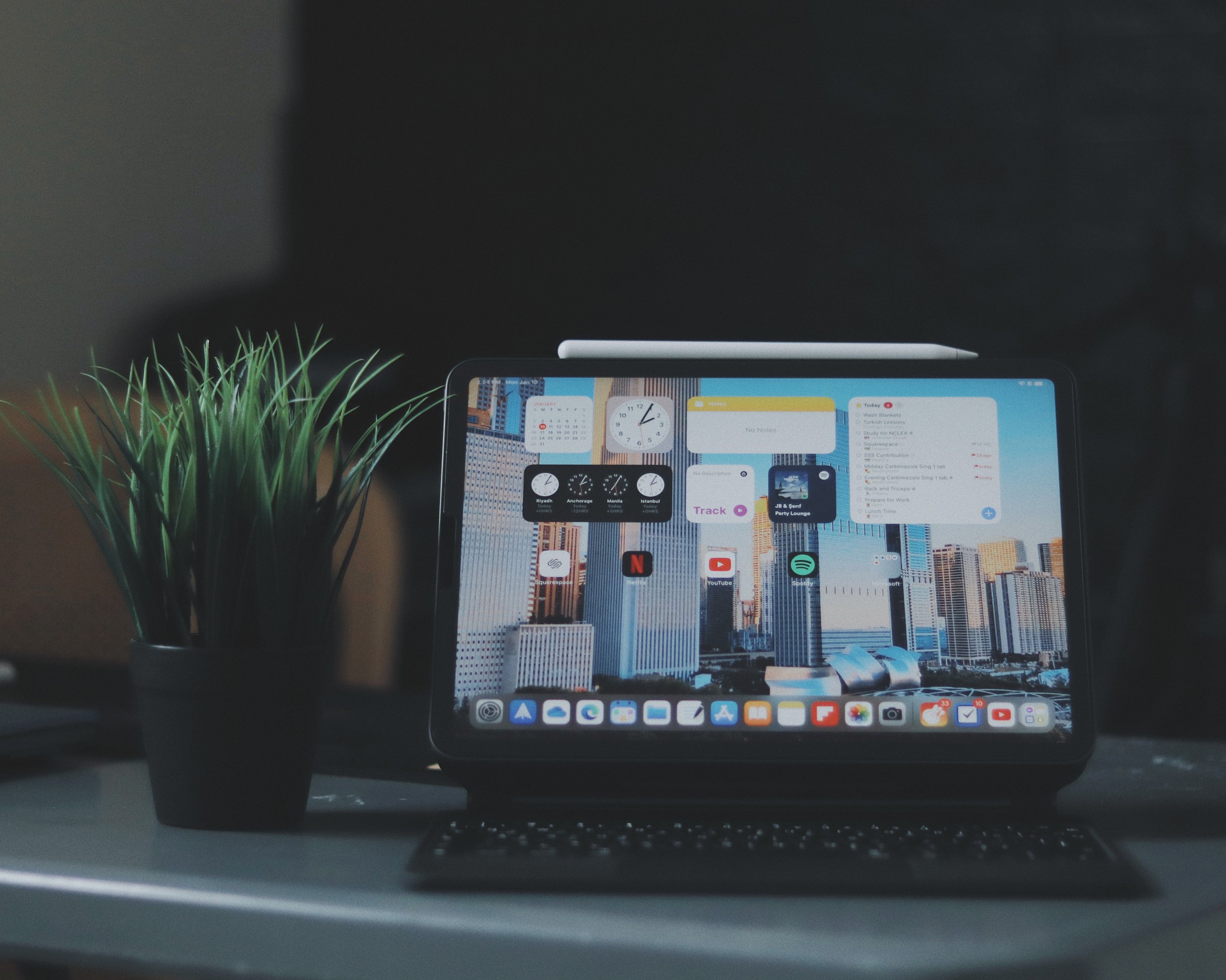
Okay, let's start with the main device, which is the iPad Pro M1 11-inch 2021. I chose 256 GB because it is the ideal storage size. I could have ordered 128 GB, but I believe I can easily fill that amount of capacity with my video editing and media needs. If you're an ordinary person, such as a student, 128 GB will be enough. This is the space gray Wi-Fi only version and I preordered and picked it up from Jarir Bookstore here in Saudi Arabia. I put a protector on the screen to protect it from dents and scratches. I tried the paperlike screen protector, but I removed it because it interferes with the viewing experience when watching movies or videos on YouTube as it has texture.
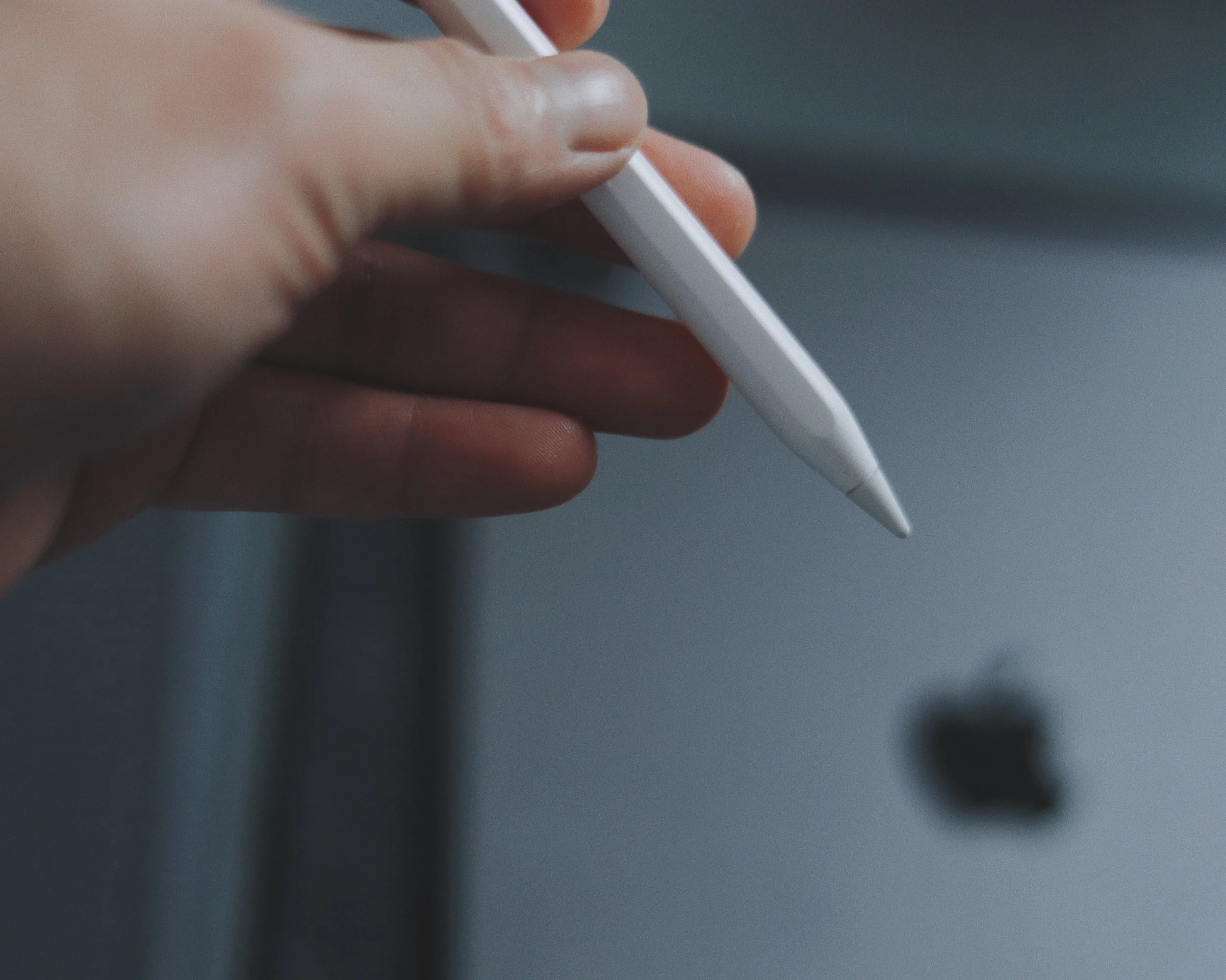
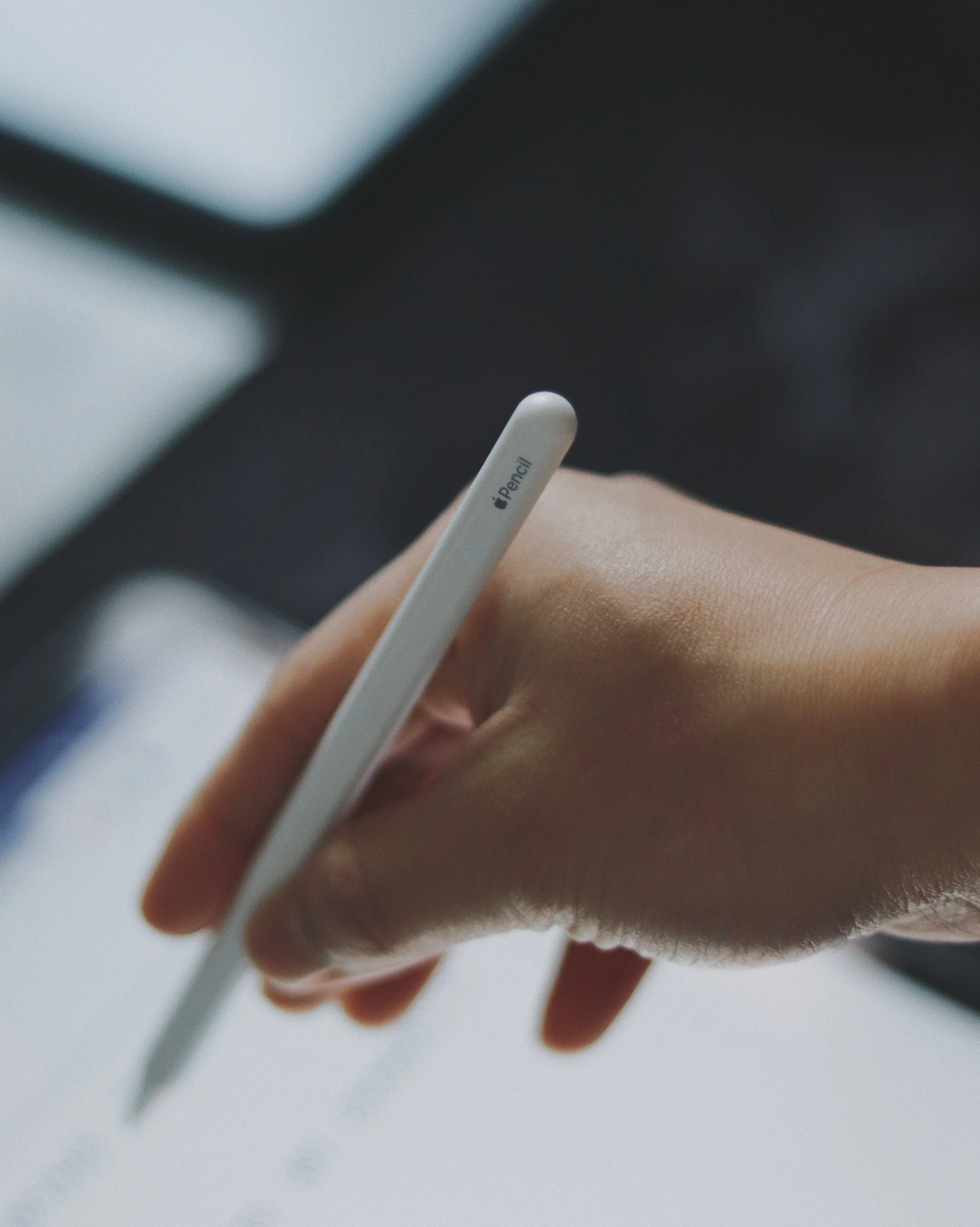
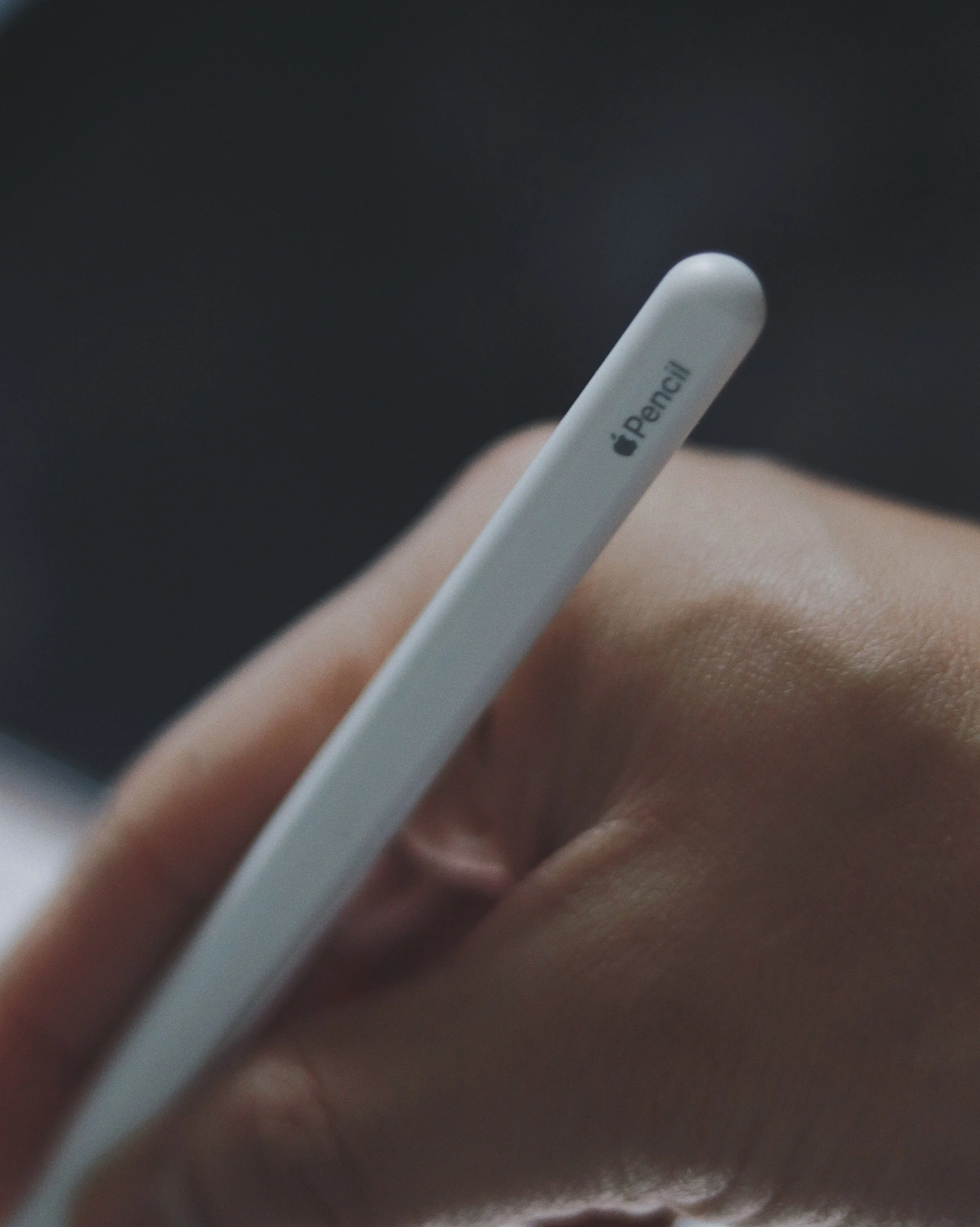
APPLE PENCIL SECOND GENERATION
The Apple Pencil 2nd Generation is a must-have companion accessory for this iPad. This pencil was originally purchased for my iPad Air 4, which I had already given to my mother. It works flawlessly on my current iPad. This pencil is pricey, but you get a lot of use out of it. I have a bluetooth pencil, however it does not function in the same way as the Apple pencil. I mostly use it to write in Notability or Goodnotes. I use this pencil to do photo editing on occasion, and it's a fantastic experience. I can't imagine editing images without it because it makes everything so simple.
IPAD MAGIC KEYBOARD
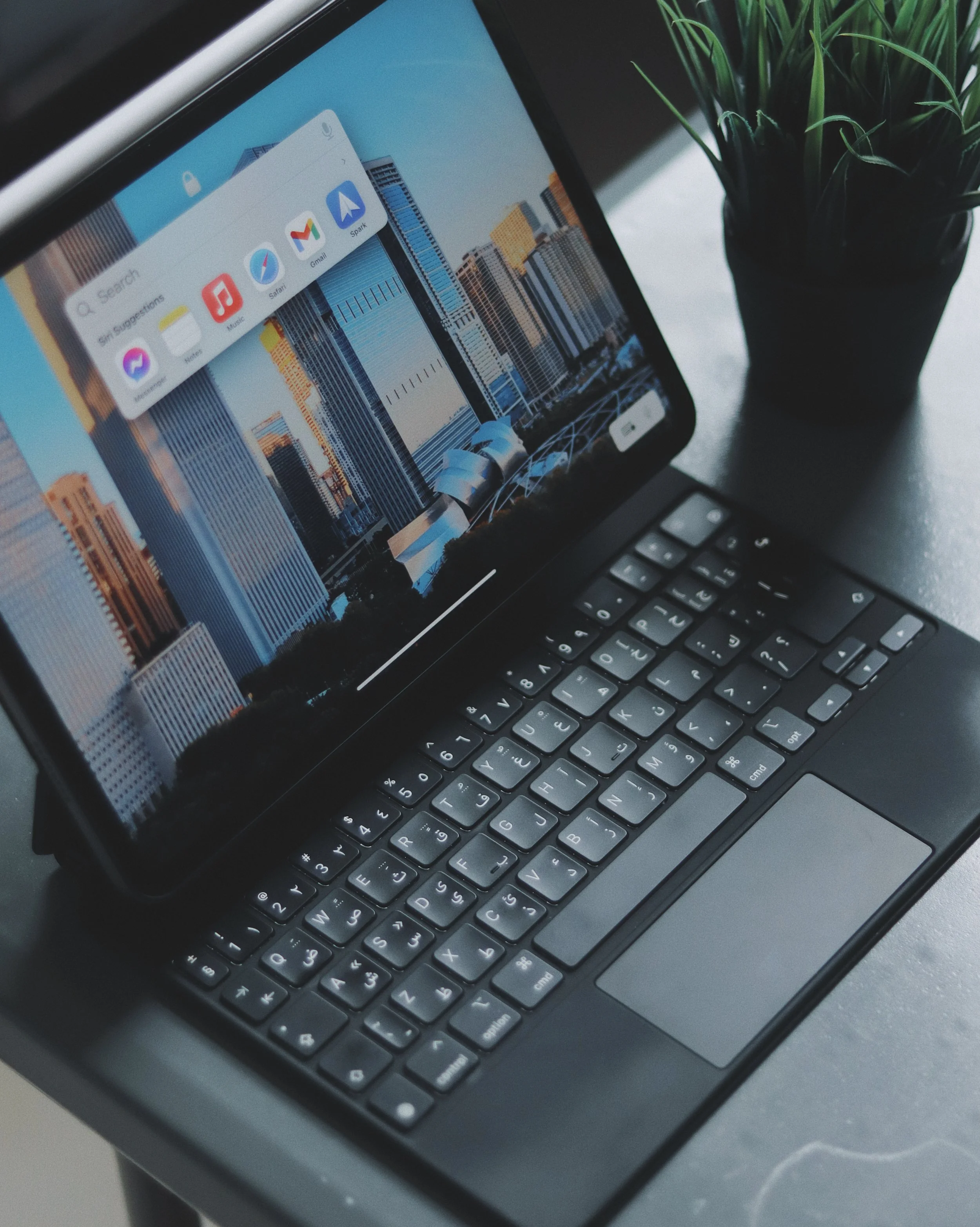
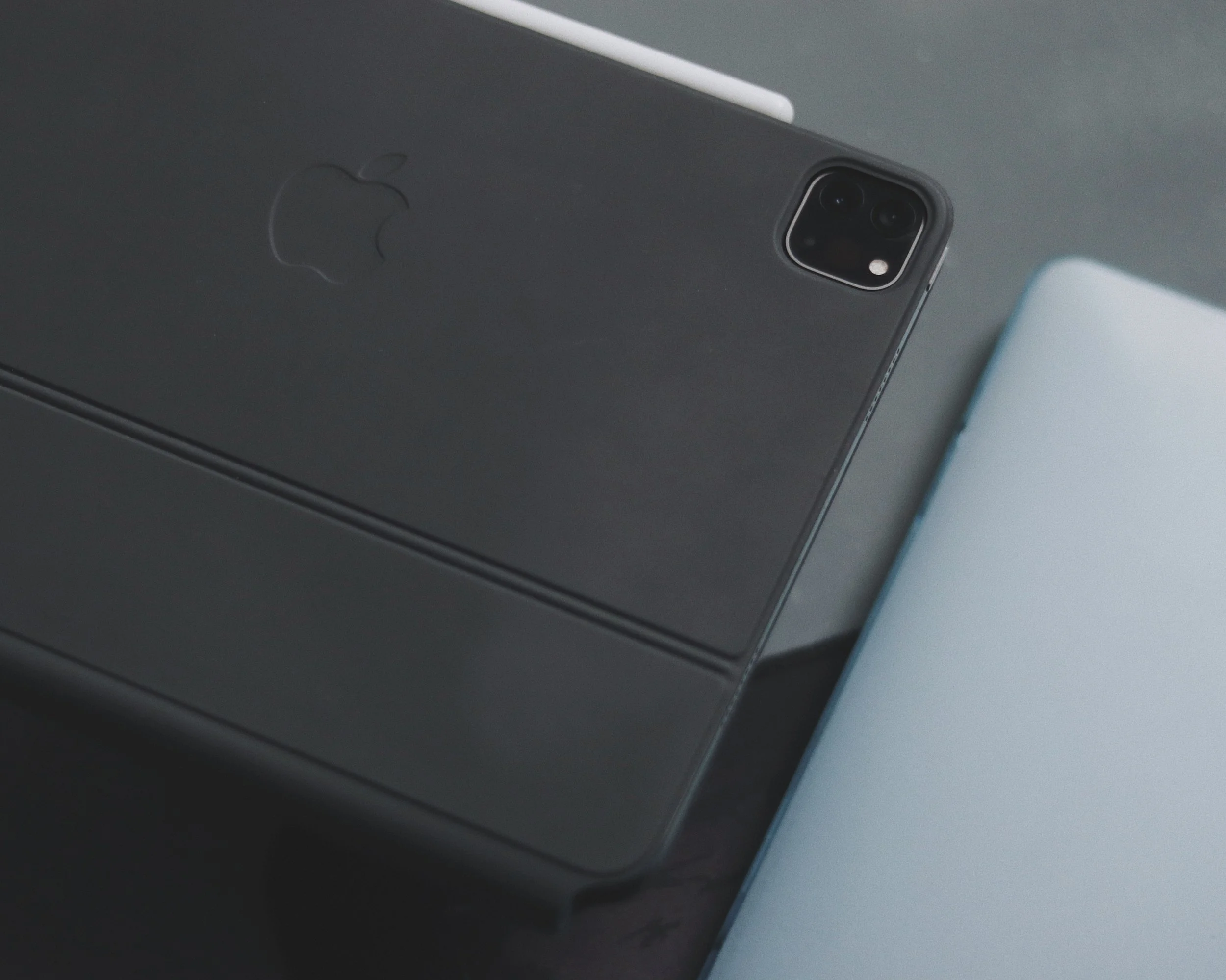
I had a tough time selecting whether to acquire this Magic Keyboard before I bought it. There are several keyboards available, such as the Logitechs, but I decided to splurge on this one. It is on the more expensive side of the spectrum, which may deter you from purchasing it. But I'll tell you that so far, my experience with this keyboard has been fantastic. Until now, I haven't had any problems with it. Although it adds a little weight to the iPad experience, this keyboard is durable. It gives protection to my gadget; therefore, I'm not complaining about it. If you're used to typing on a Mac, you'll find this to be a similar experience. The only complaint I have about this keyboard is that the trackpad is extremely small. But other than that, this is my favorite iPad pro accessory.
TYPE-C USB HUB
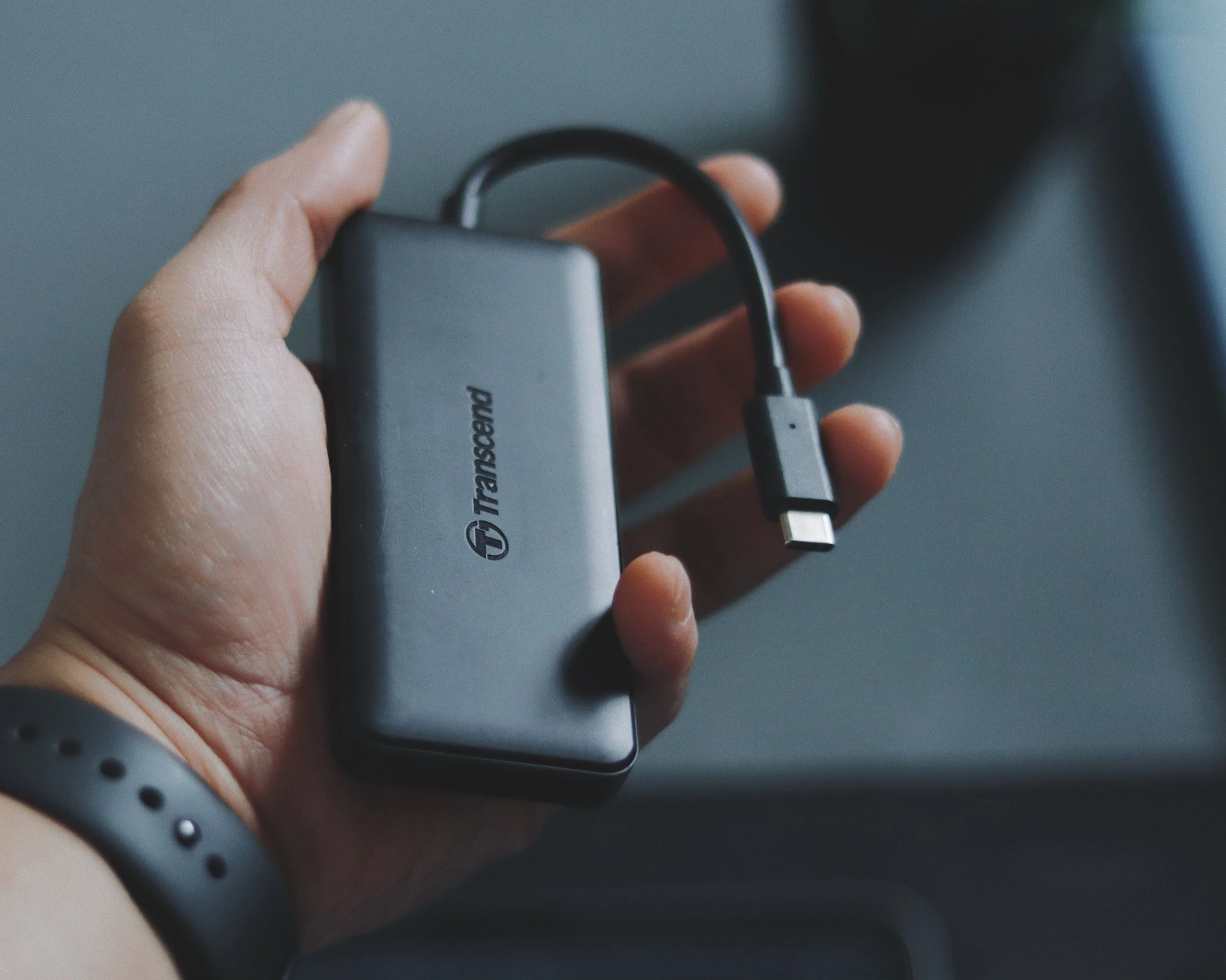
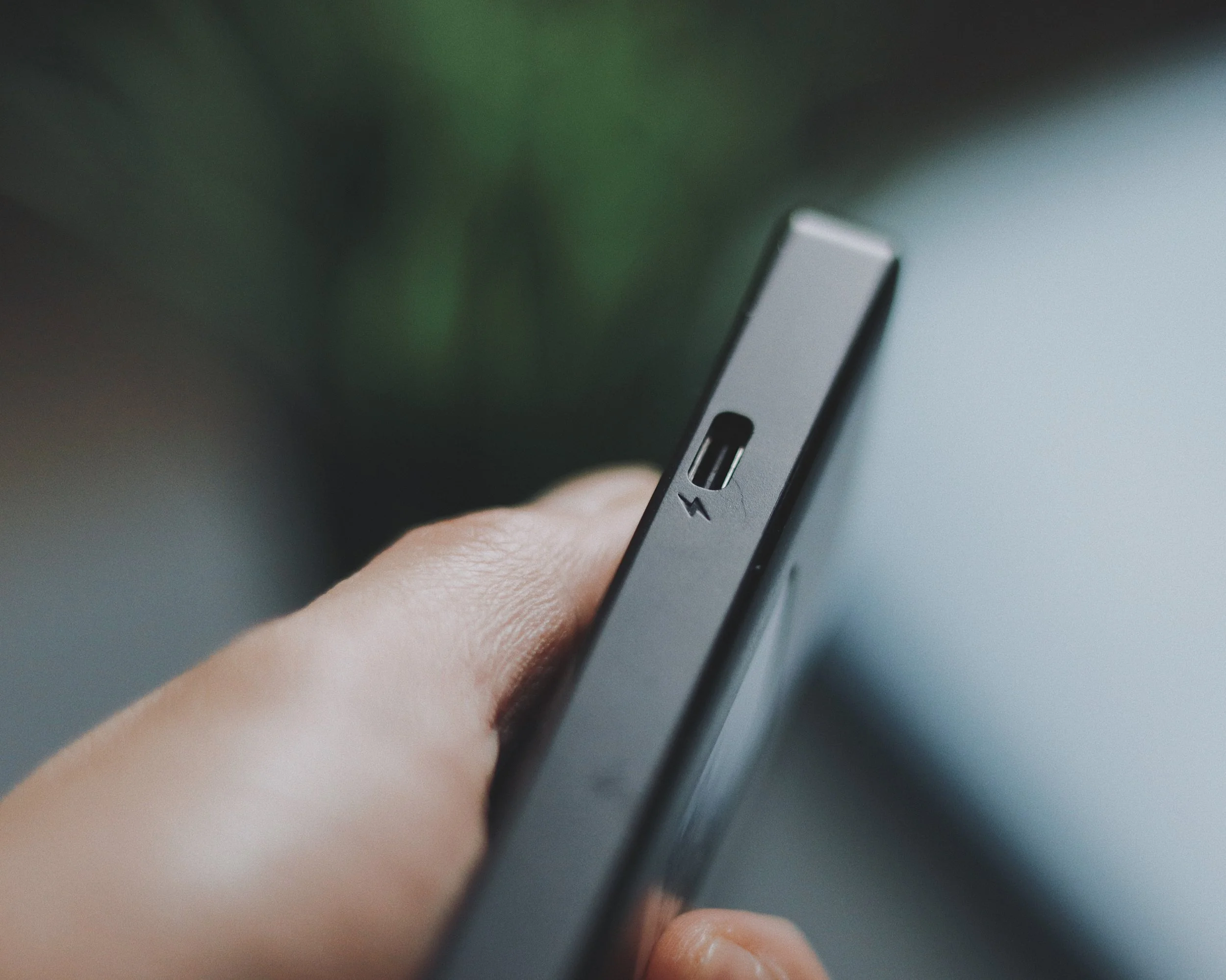
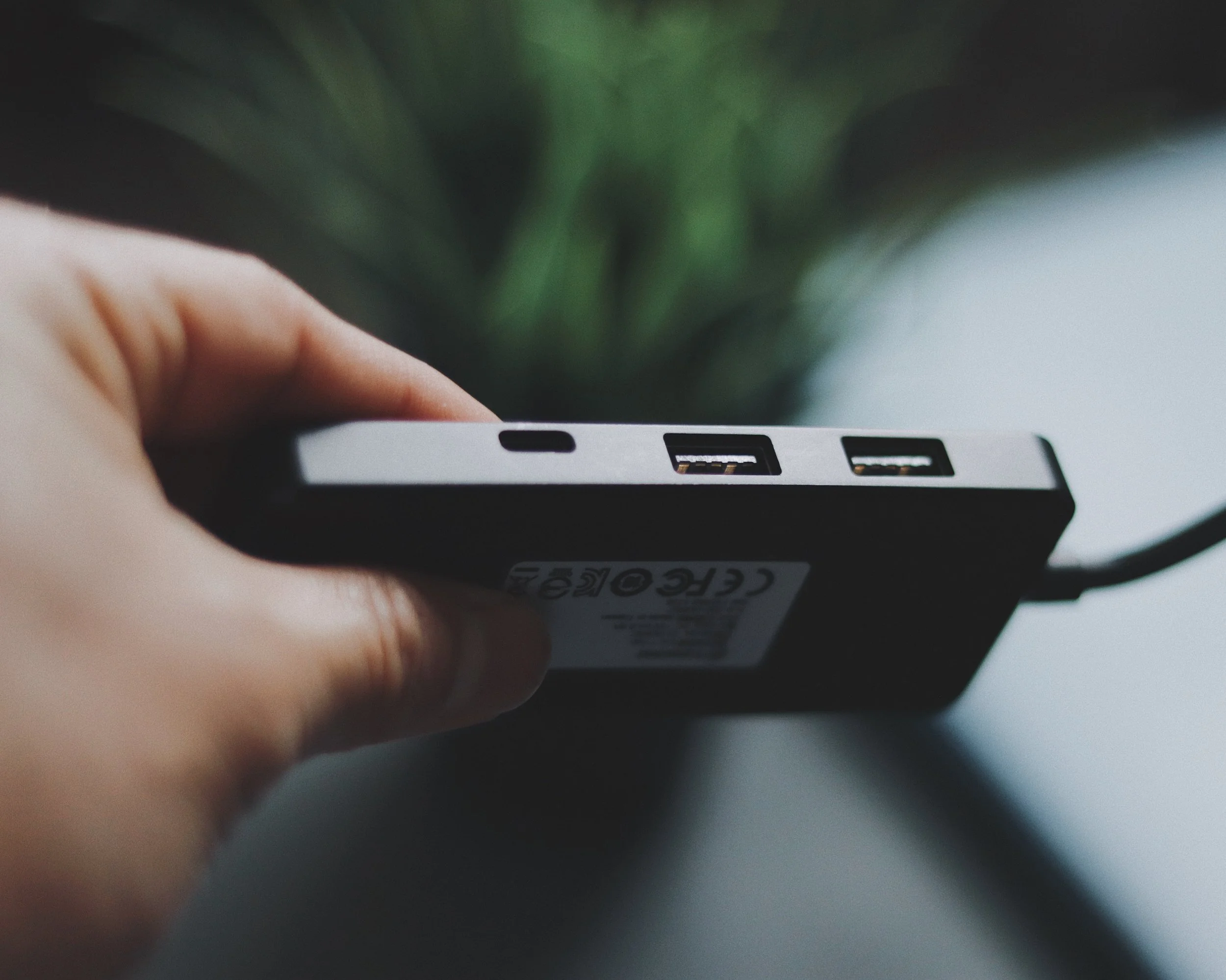
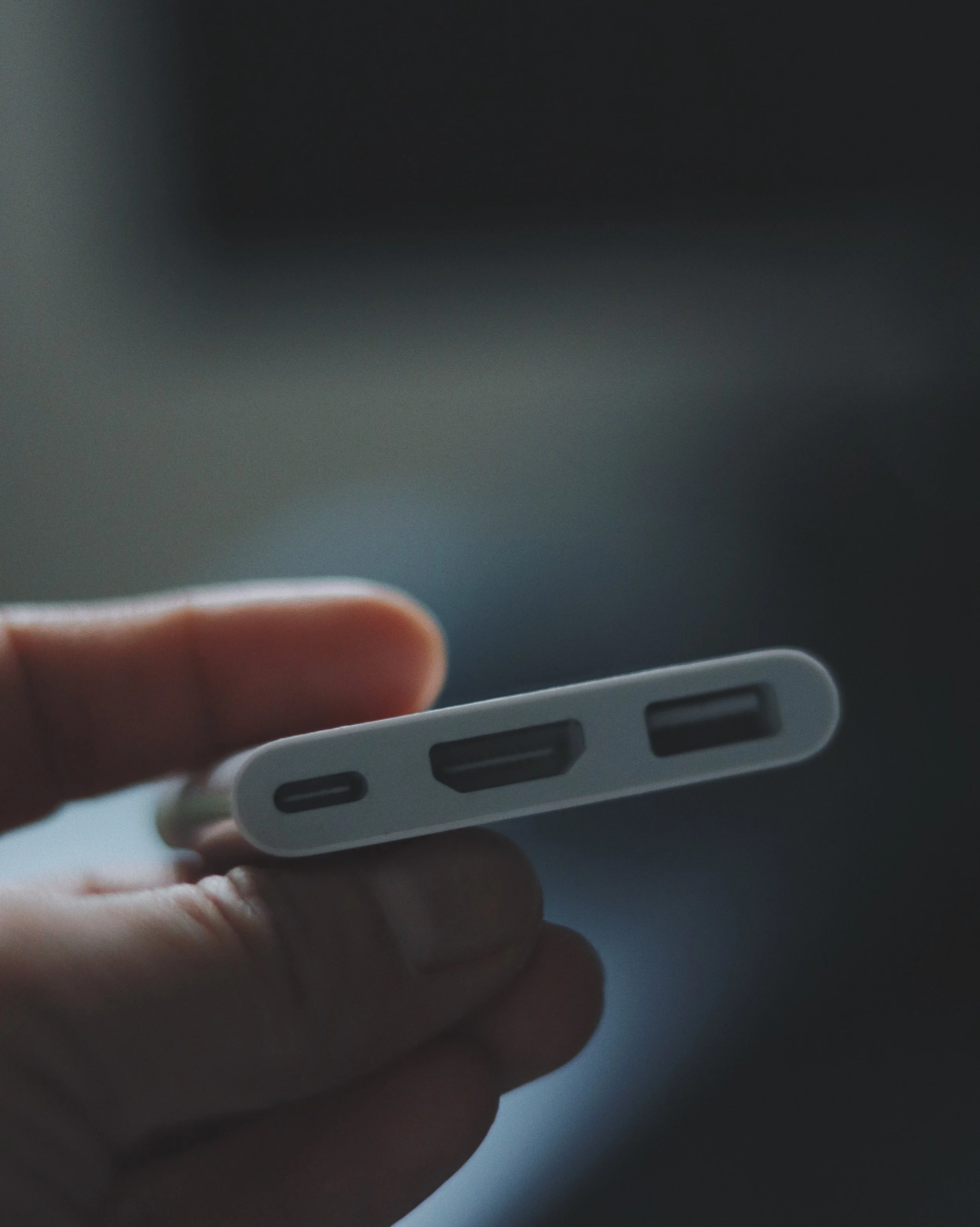
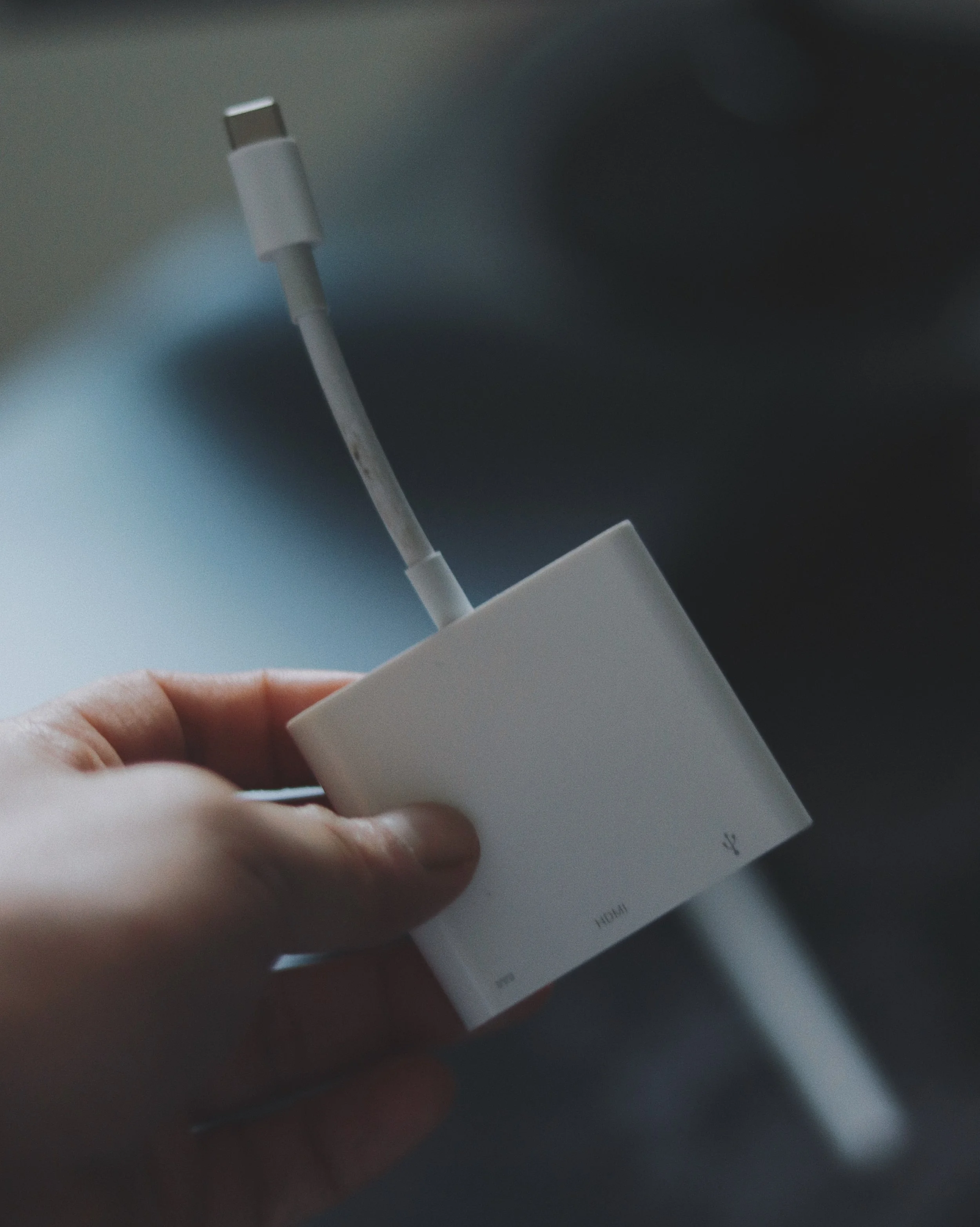
I bought a dongle/adapter for this iPad because it has a type C connector. This one is from the Transcend company. I enjoy how this hub allows me to connect additional devices to my iPad. It comes with two USB A ports, a USB Type C data port, a USB Type C power port, a micro-SD card reader, and a normal card reader. I don't need to connect my iPad to an external monitor; thus, this hub is plenty for me. I have an Apple USB C hub with HDMI and USB A port if I need to connect it to a monitor, say for video viewing. You would think that's a lot of dongles, but if you're already accustomed to your workflow, having these adapters on hand won't worry you. The SD card readers are my favorite features of this hub. I like the concept of being able to quickly upload photographs and video from my Canon M50 to my iPad Pro and edit them.
SANDISK EXTREME PORTABLE SSD
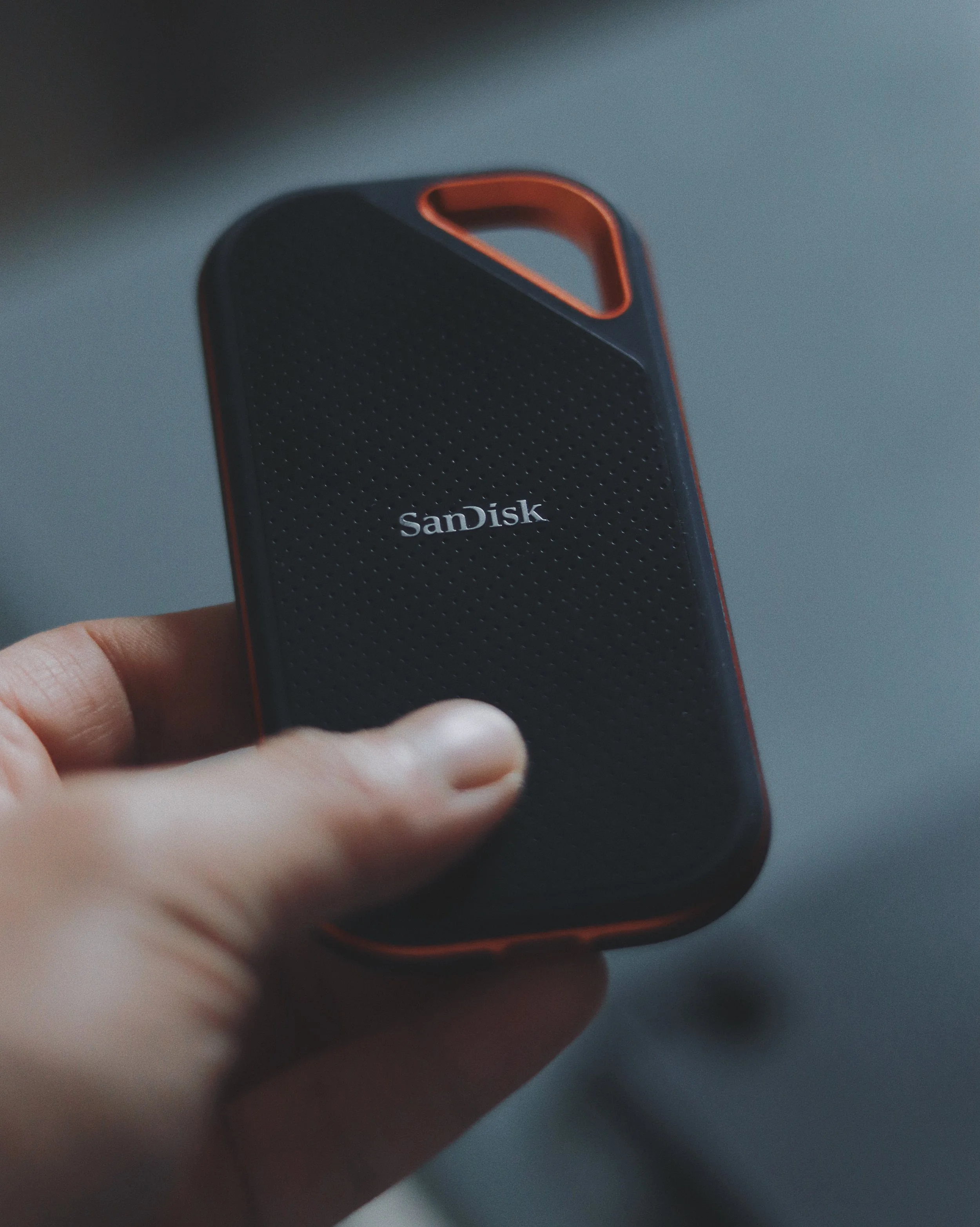
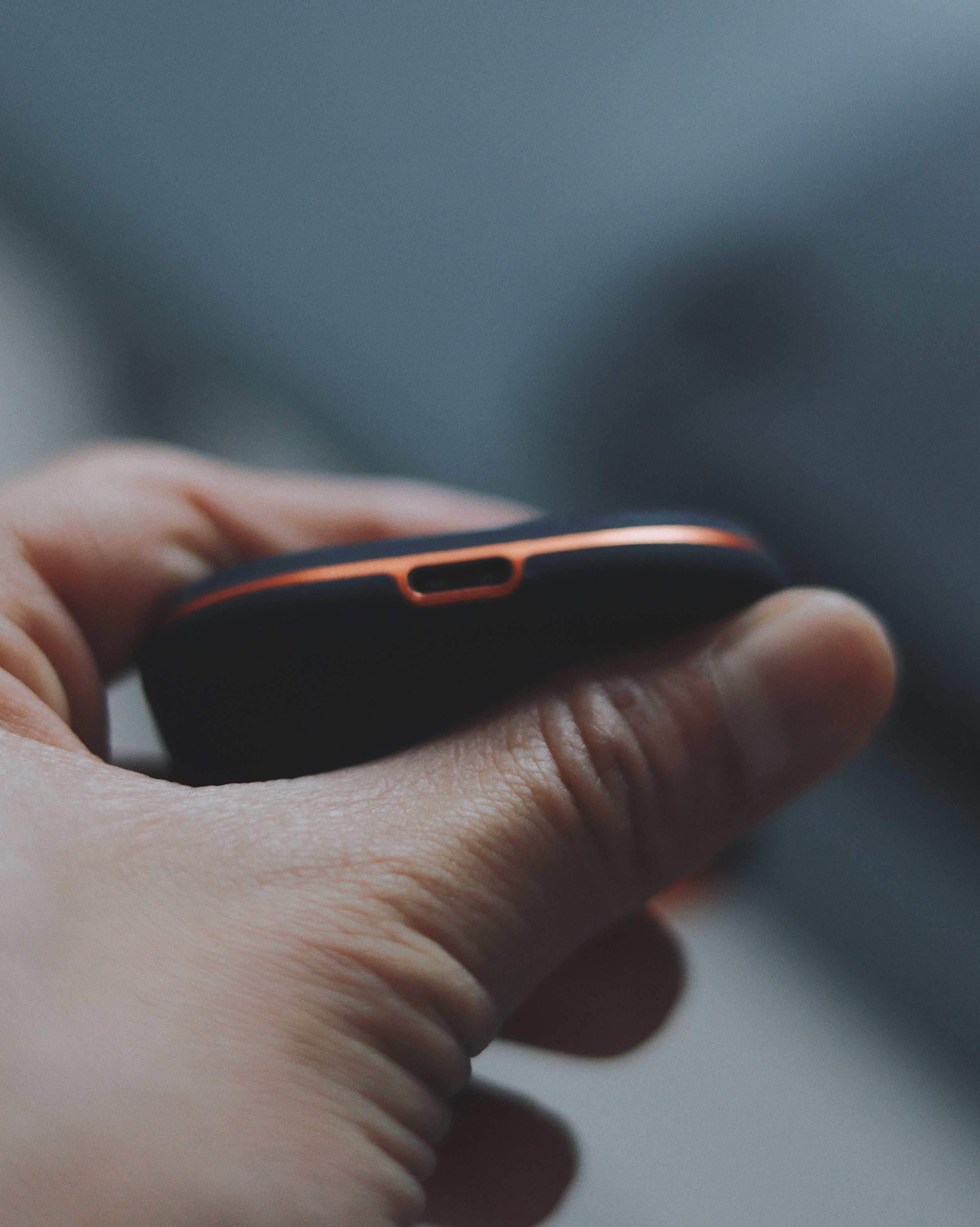
My iPad has 256 GB of storage, as I previously stated. I'm still not close to filling it, but I've already set up external storage as a backup. I have a Sandisk Extreme Pro Portable SSD that I use interchangeably with my Macbook and can be connected to my iPad using the accompanying USB connector. Because it has better read and write rates, it serves as temporary storage for the projects I'm currently working on. If I need to archive things, I use my WD Passport External HDD. Because of its compact size, it's convenient to carry. I just keep them in my bag so that I can get to them anytime I need to.
AIRPODS AND SONY HEADPHONES
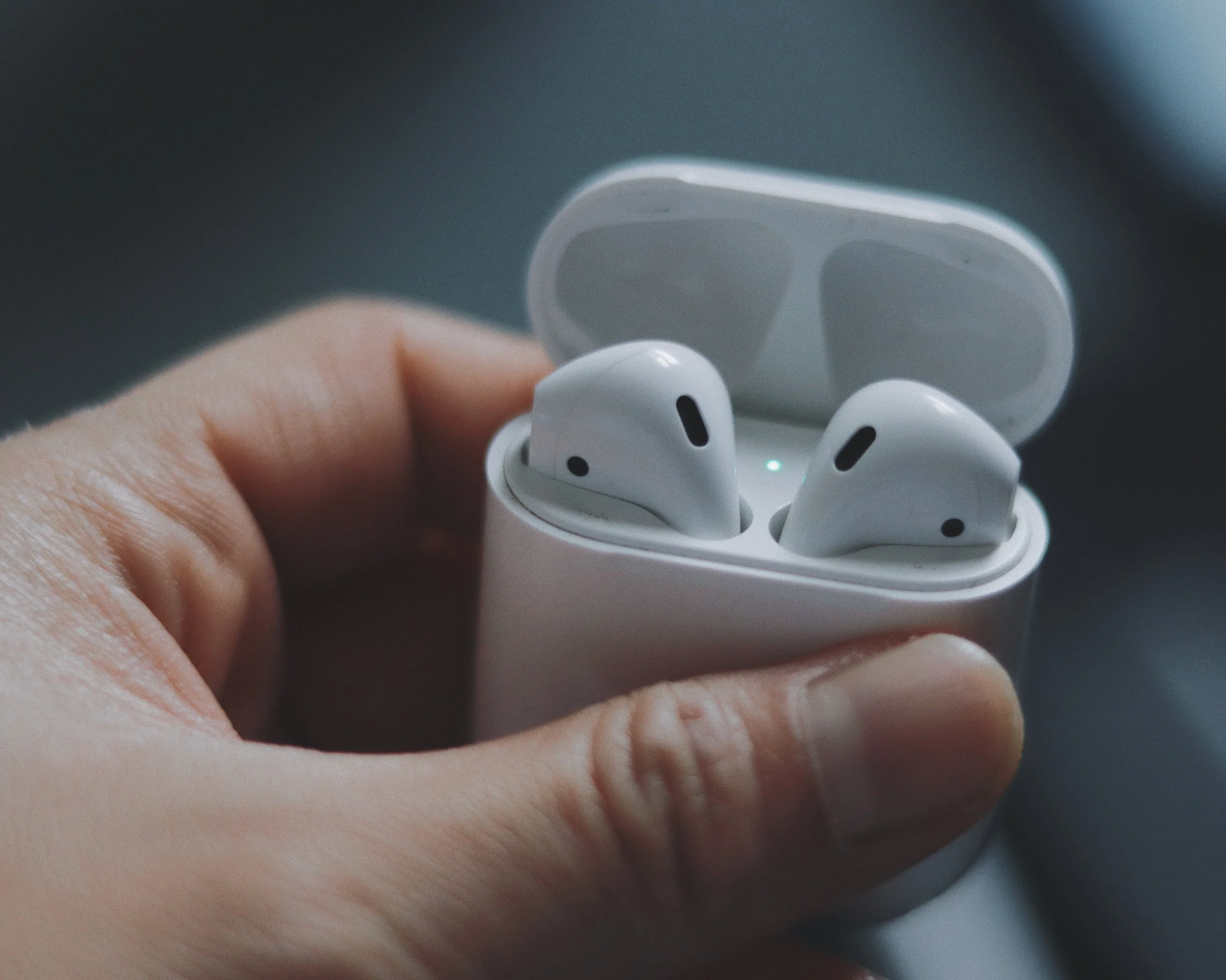
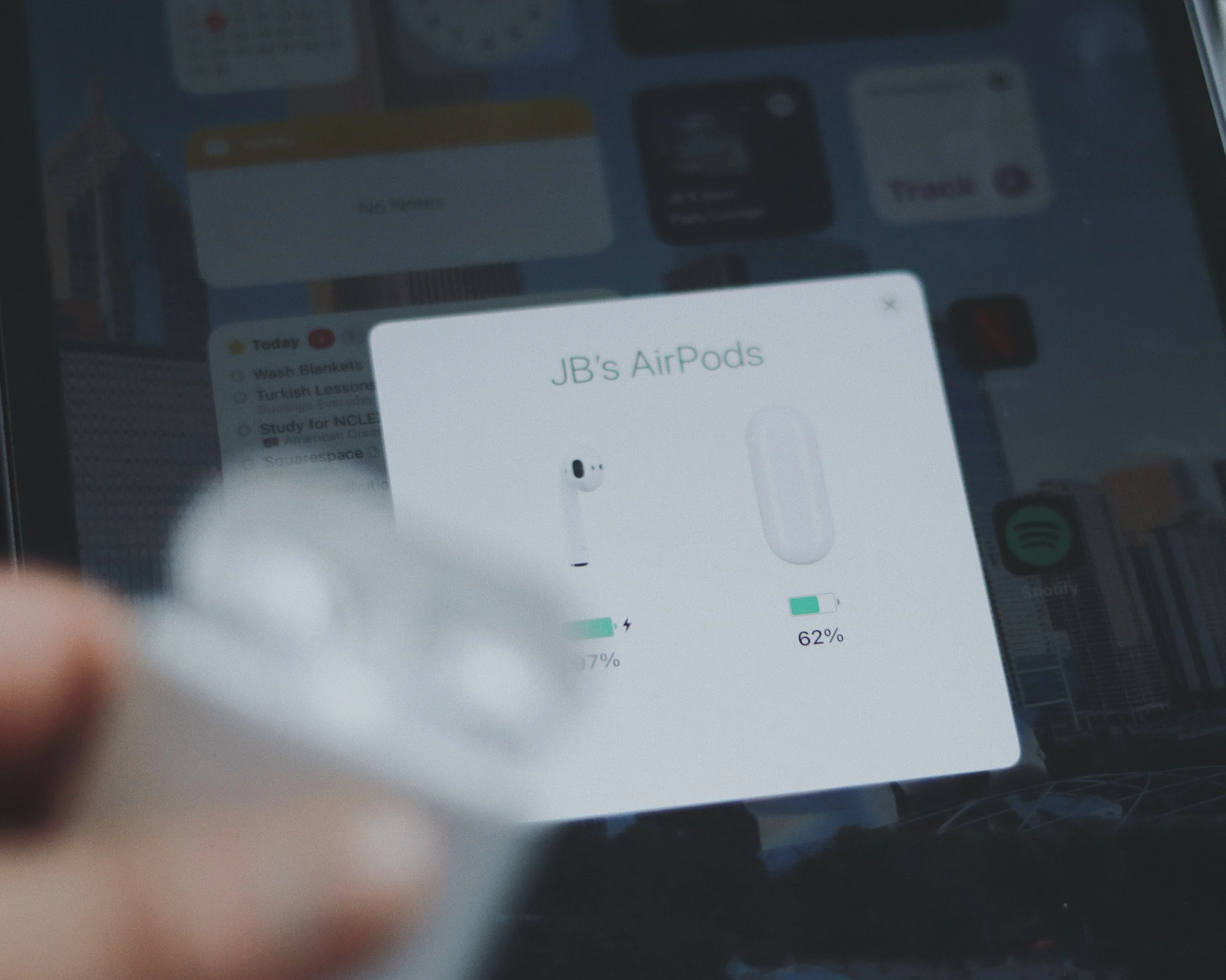
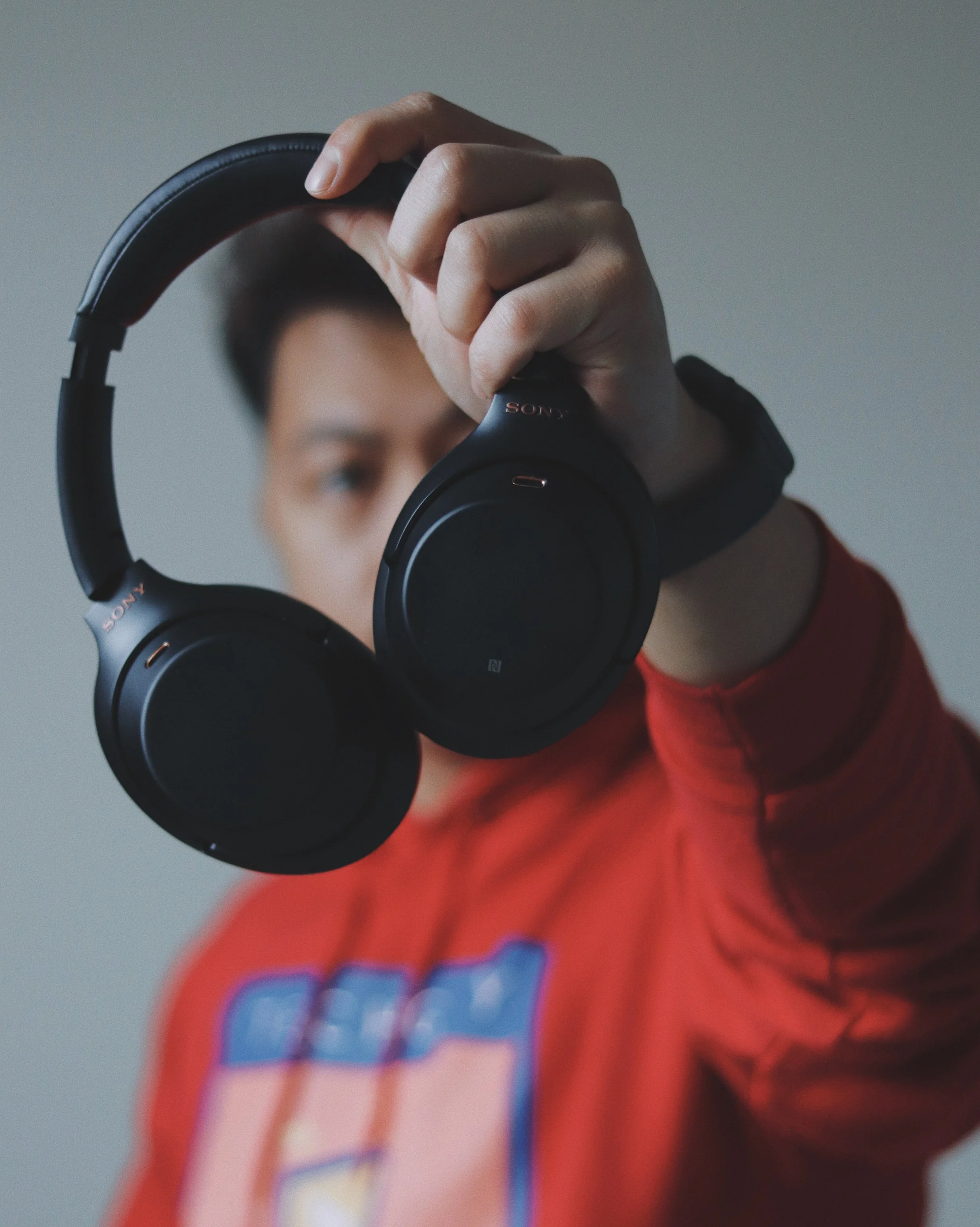
I'm still using my Airpods first generation, which I bought four years ago, for media consumption. I may have to buy a replacement in the future because it isn't holding up. But, for the time being, this Airpods is sufficient for me because I do not listen to music or view videos on it for extended periods of time. I really like how easy it is to pair this with my iPad. I use my Sony XM3 for serious content consumption, such as hours of Netflix, Youtube, and Spotify listening. This is an earlier version of the newly launched XM4s, and I don't see the sense in upgrading just yet because the specs are nearly identical. The noise cancellation is excellent, and the sound quality is superb. Furthermore, when you use it with Sony's headphone app, which you can get from the iPad App Store, you may tailor your listening experience. This is, without a doubt, my favorite pair of headphones, and I intend to keep them for a long time.

HERSCHEL POP QUIZ BACKPACK
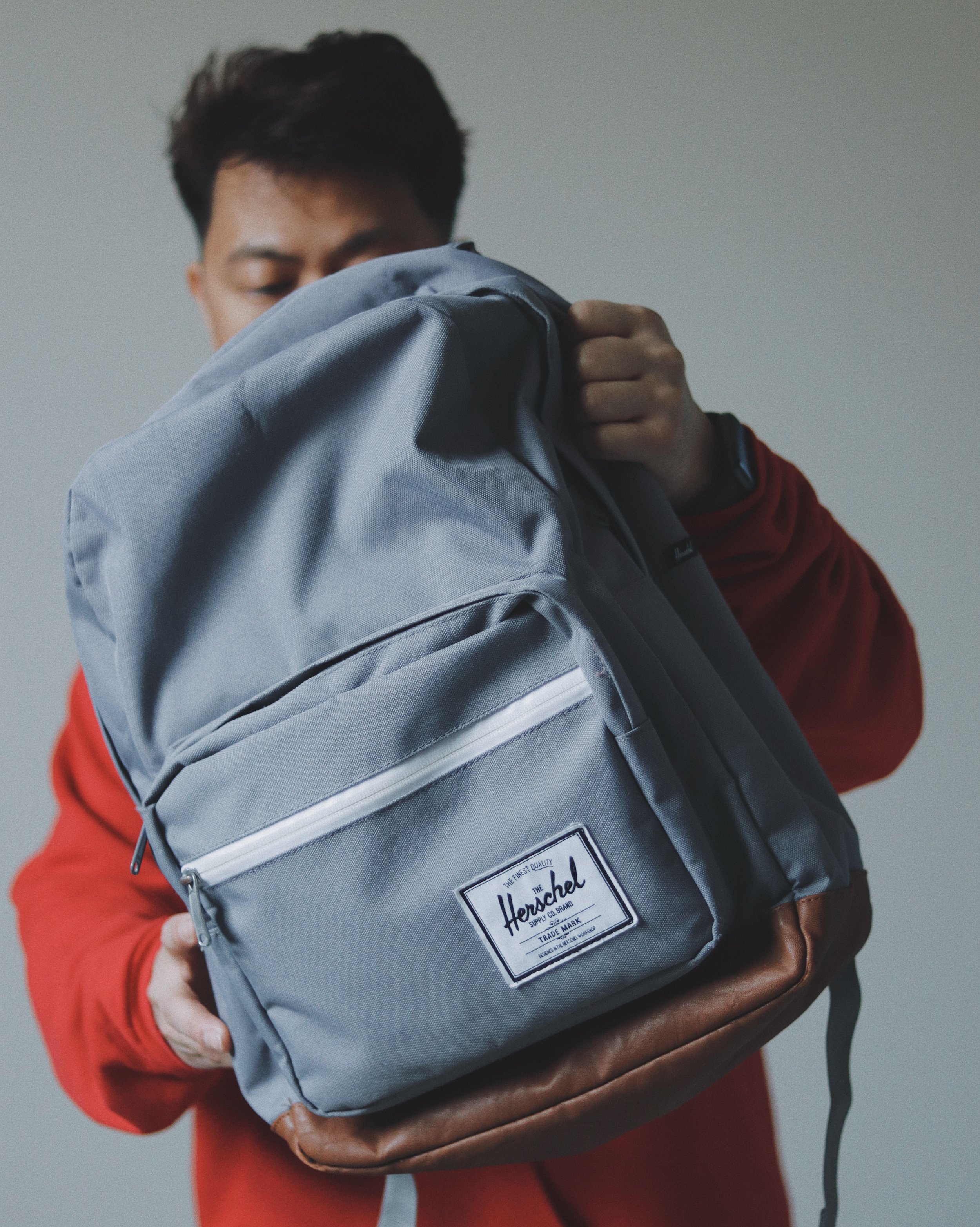
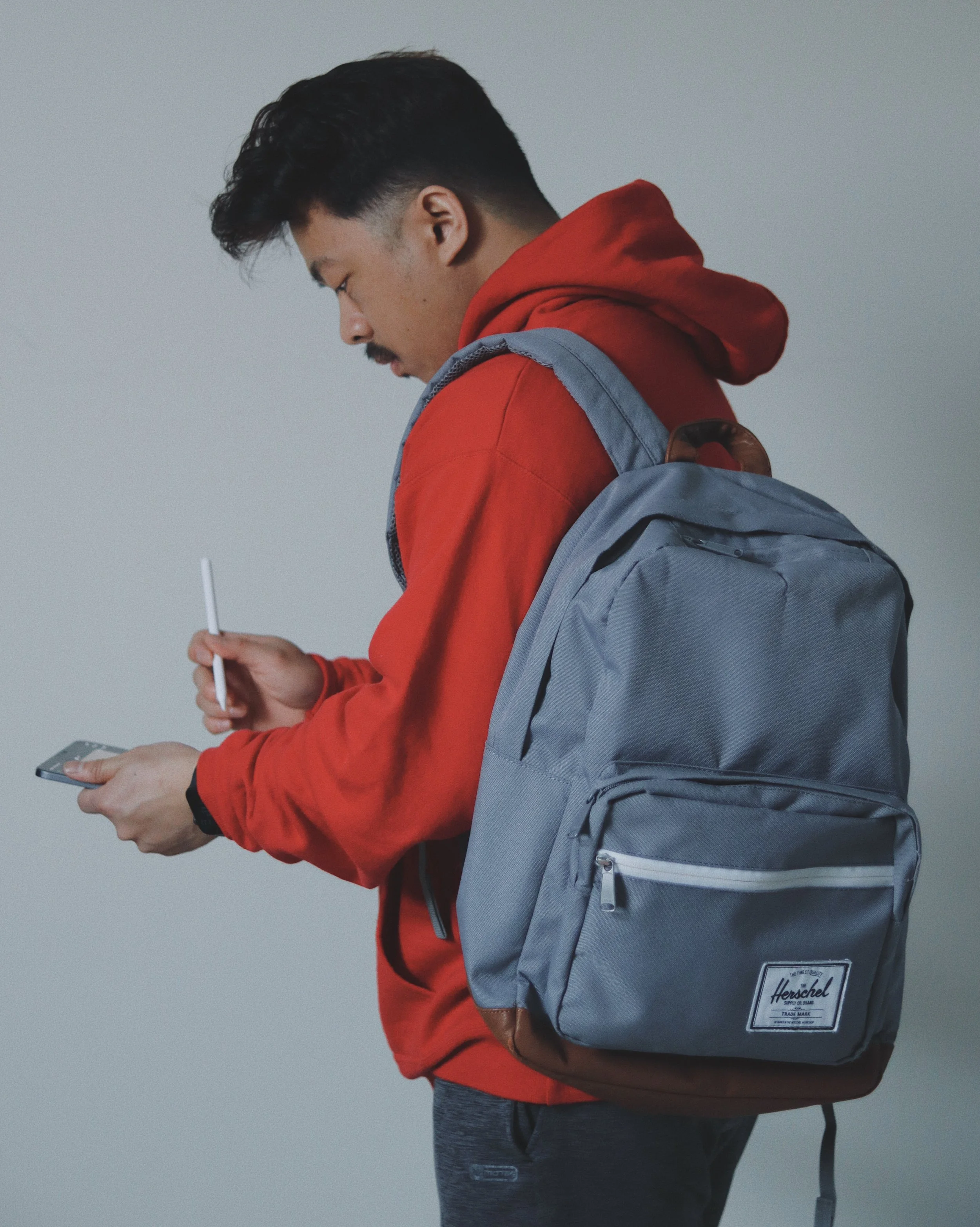
My Herschel Pop Quiz bag is the bag of choice for carrying all these items. It makes me feel like a student when I use it, but I don't mind because it protects and contains everything I need. It has a padded iPad pouch and a large main compartment that holds some of my other devices, such as my camera. This bag is three years old and still going strong. I can picture myself using this bag to carry all my camera and tech gear when I travel. This is also large enough to fit my Macbook Pro (16-inch).
So, there you have it, guys. These are the iPad Pro accessories I have.